
I am trying to install CAT ET 2026 on Windows 10/11 but experiencing installation issues.
What are the correct installation steps for CAT ET 2026?
– Required system requirements
– Communication adapter setup
– Factory password configuration
– Driver installation
– Common installation errors
– Activation procedures
Any guidance or troubleshooting tips would be appreciated.
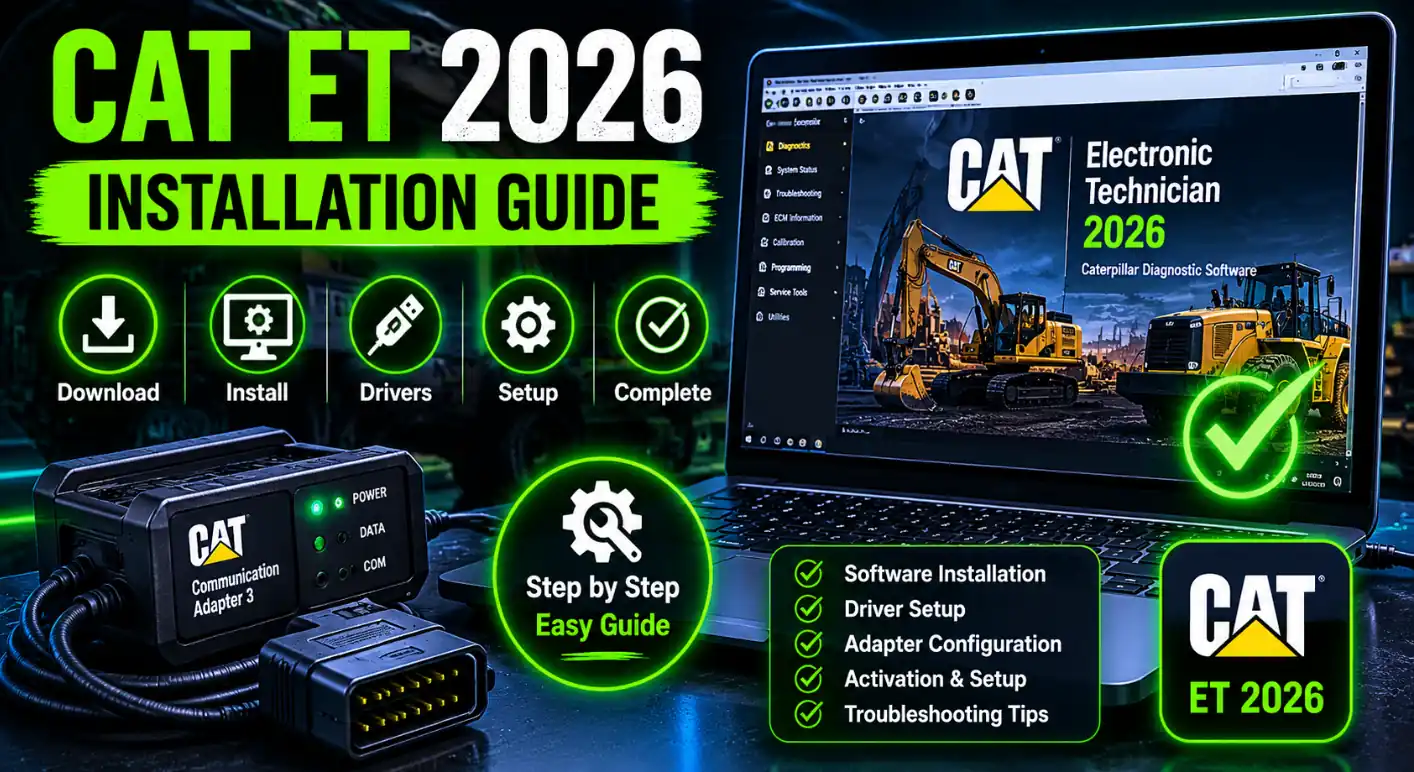
How to Install CAT ET 2026
CAT Electronic Technician (CAT ET) is the dealer-level diagnostic software used for Caterpillar engines and equipment. Proper installation is important to ensure communication with machine ECMs and communication adapters.
Step 1: Verify System Requirements
- Windows 10 or Windows 11 (64-bit)
- Minimum 8GB RAM
- 20GB Free Disk Space
- Administrator Permissions
- Microsoft .NET Framework Installed
Step 2: Install CAT ET Software
- Extract the installation package.
- Run Setup.exe as Administrator.
- Follow the installation wizard.
- Allow required Microsoft components to install.
- Restart the computer after installation.
Step 3: Install Communication Adapter Drivers
Install drivers for the communication adapter being used:
- CAT Communication Adapter III
- Nexiq USB Link
- Nexiq USB Link 2
- Dearborn DPA5
Incorrect drivers are one of the most common causes of connection problems.
Step 4: Configure CAT ET
- Open CAT ET.
- Select Utilities → Preferences.
- Choose the correct communication adapter.
- Save settings.
Step 5: Connect to Equipment
Connect the communication adapter to the machine diagnostic port and verify communication with the ECM.
Common Installation Problems
- Communication adapter not detected
- Driver installation failed
- License activation issues
- Windows security blocking components
- No ECM communication
Conclusion
After installation, verify communication with the engine ECM and test all available diagnostic functions before performing programming or calibration procedures.
🚀 Need CAT ET Software?Professional CAT ET software packages with remote installation, ✔ Instant Digital Delivery |
✔ Instant Digital Delivery
✔ Remote Installation
✔ Activation Support
✔ Professional Technical Assistance