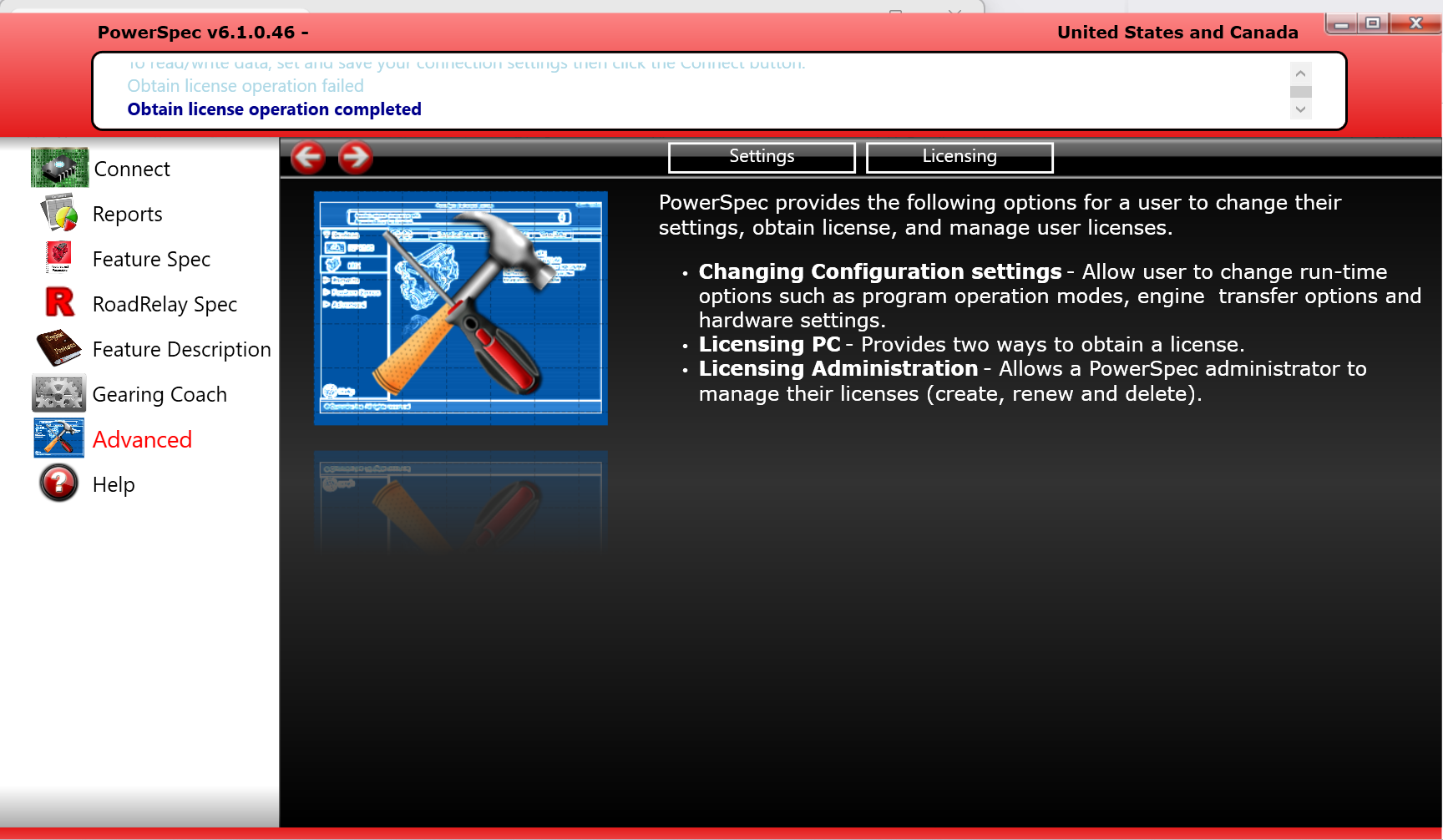
Description
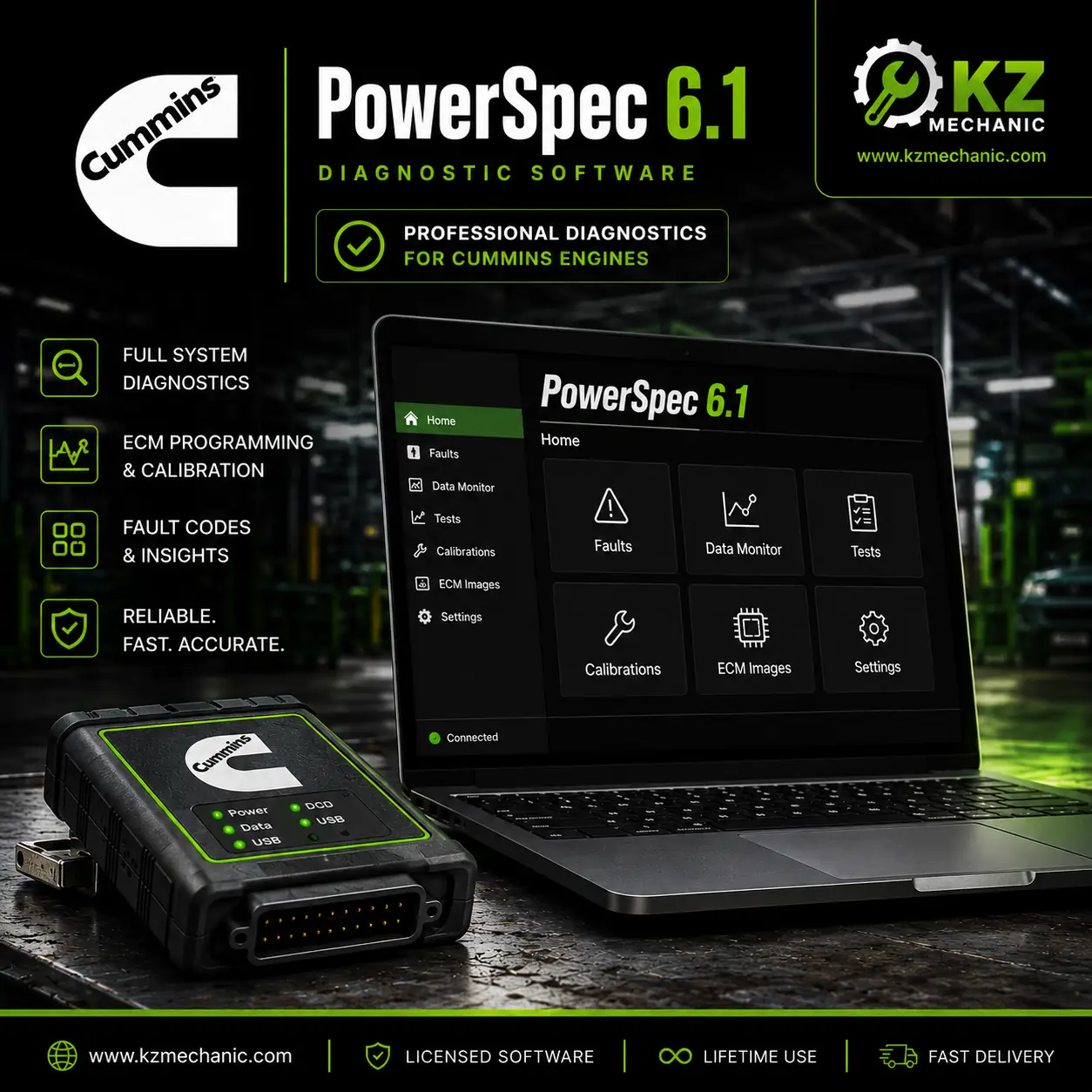
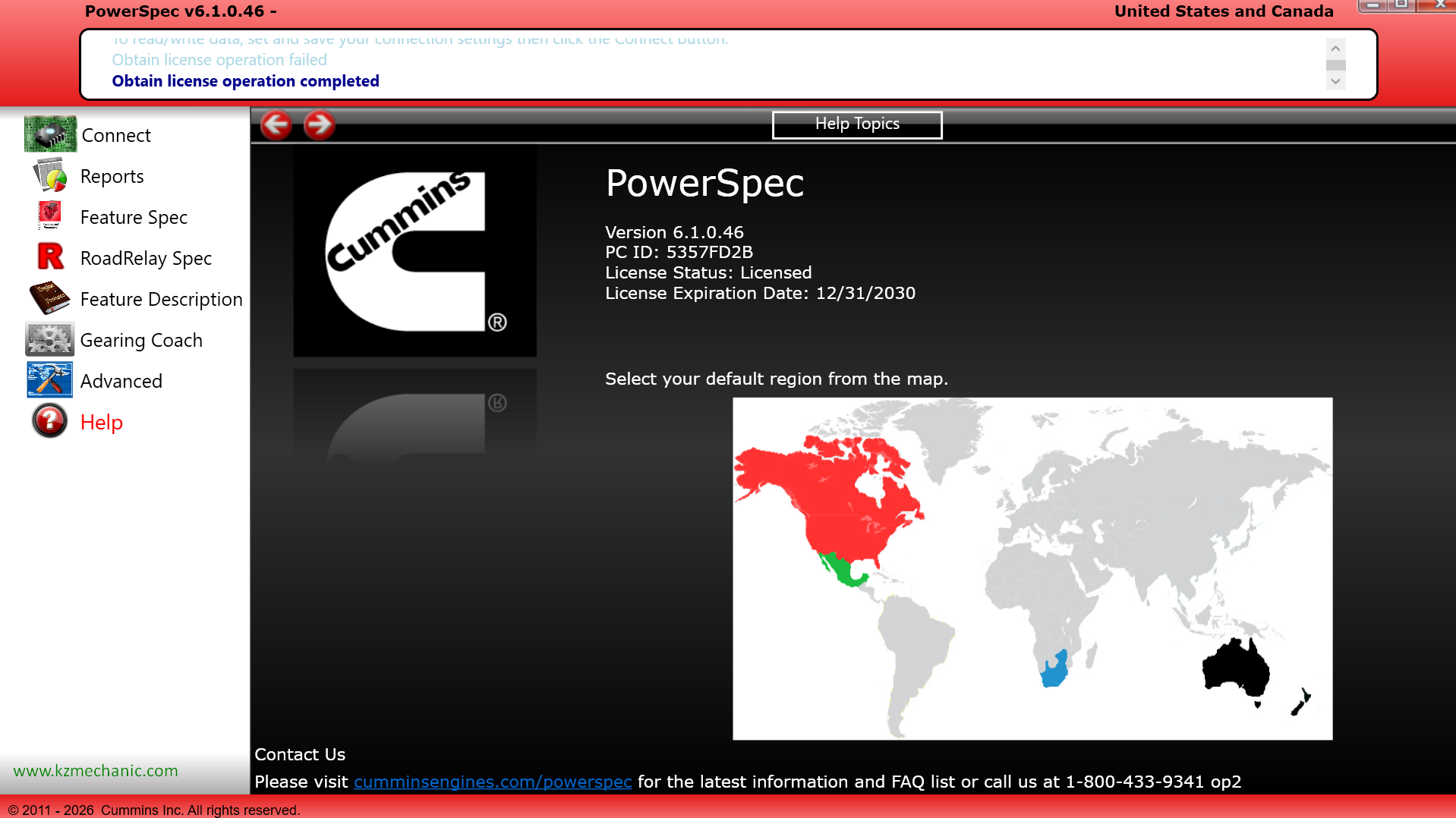
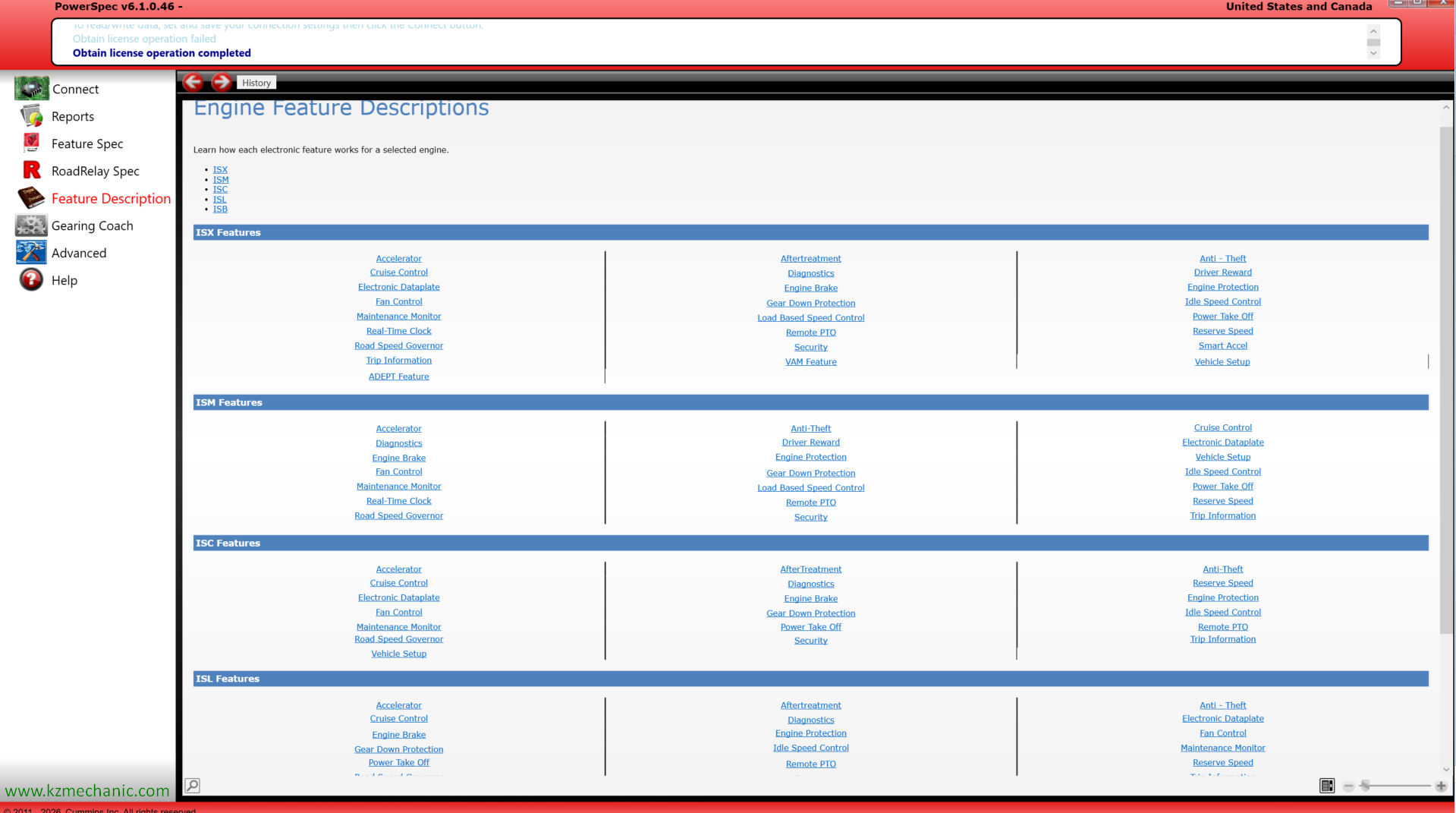
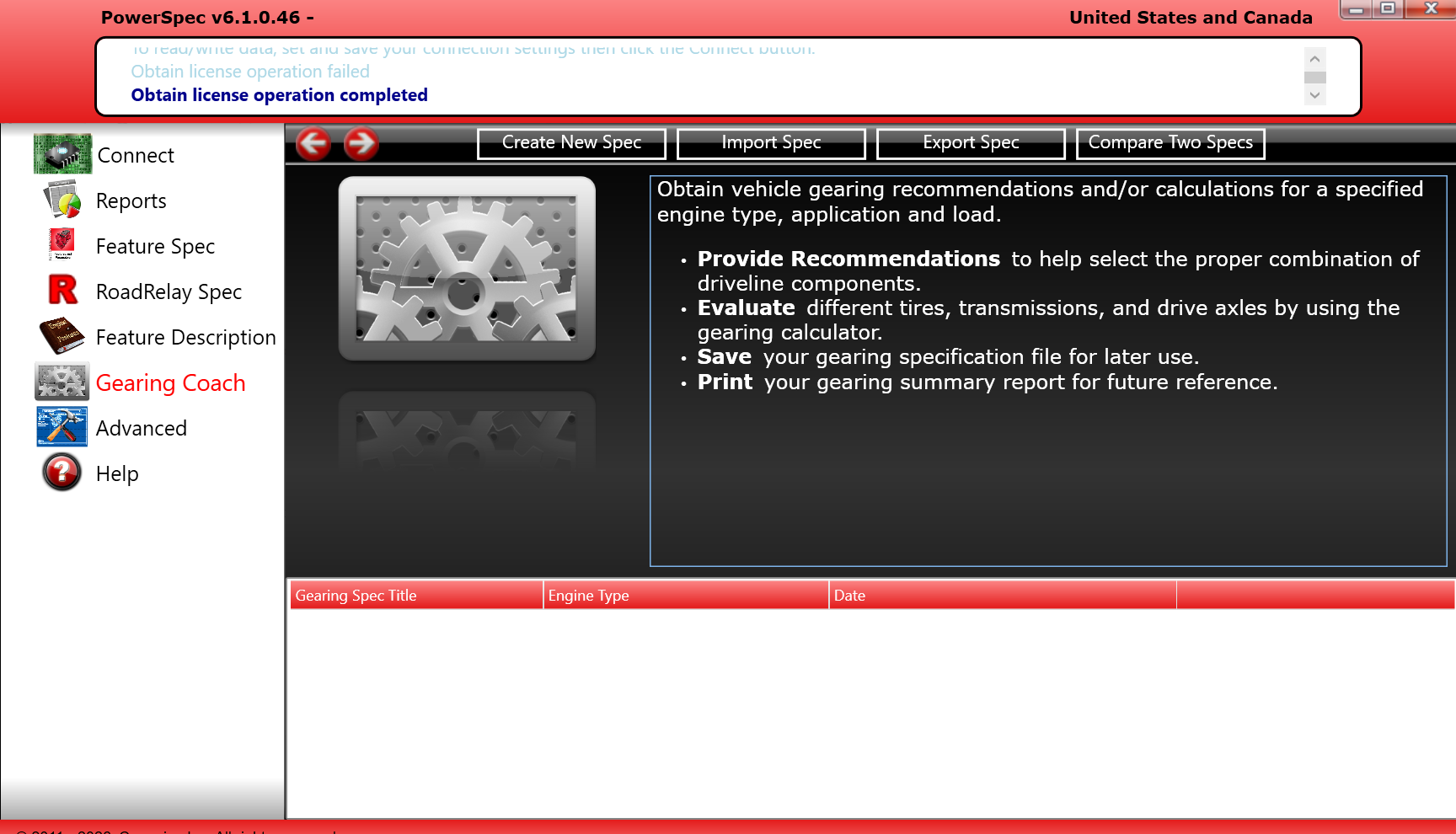
Cummins PowerSpec Software Remote Installation & Activation Service
Need help installing Cummins PowerSpec software? Our professional remote installation service provides a complete setup solution performed by experienced technicians.
We remotely connect to your computer using secure remote support software and perform the complete installation, activation, and configuration process to ensure the software is operating correctly.
Professional remote installation and activation service for Cummins PowerSpec software. Our experienced technicians will remotely connect to your computer, install the software, perform activation, configure settings, and verify proper operation to ensure a successful setup.
✔ Remote Installation
✔ Software Activation
✔ Configuration & Setup
✔ Technical Assistance
✔ Fast Service
✔ Professional Support
Service Includes
✔ Cummins PowerSpec Software Installation
✔ Software Activation
✔ Configuration & Initial Setup
✔ Communication Verification
✔ Troubleshooting Assistance
✔ Professional Technical Support
How It Works
- Purchase the service.
- Download and install UltraViewer.
- Send us your UltraViewer ID and Password.
- Our technician connects remotely.
- Installation and activation are completed.
Requirements
- Windows PC
- Stable Internet Connection
- Administrator Access
- UltraViewer Installed
Why Choose KZ Mechanic?
- Experienced Technical Team
- Fast Remote Support
- Secure Remote Connection
- Professional Installation Service
- Customer Satisfaction Focused
After purchase, our support team will contact you with instructions to schedule the installation session.
WhatsApp Support: +1 (725) 567-5938
Email: sales@kzmechanic.com

![Cummins Calterm 4.3.1 + Metafiles [ Activation ]](https://kzmechanic.com/wp-content/uploads/2021/04/cummins-calterm-4.3-300x300.jpg)