Description
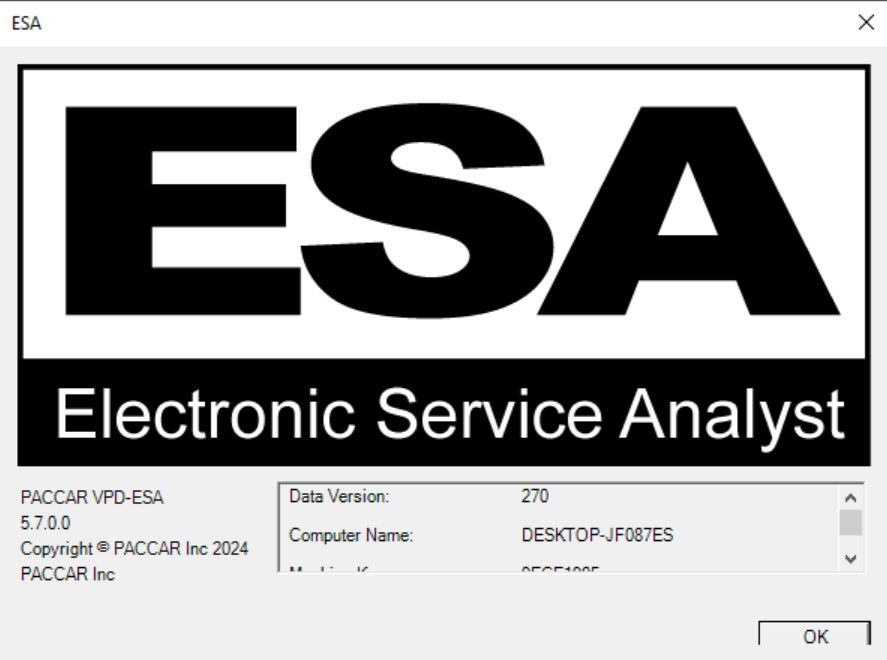
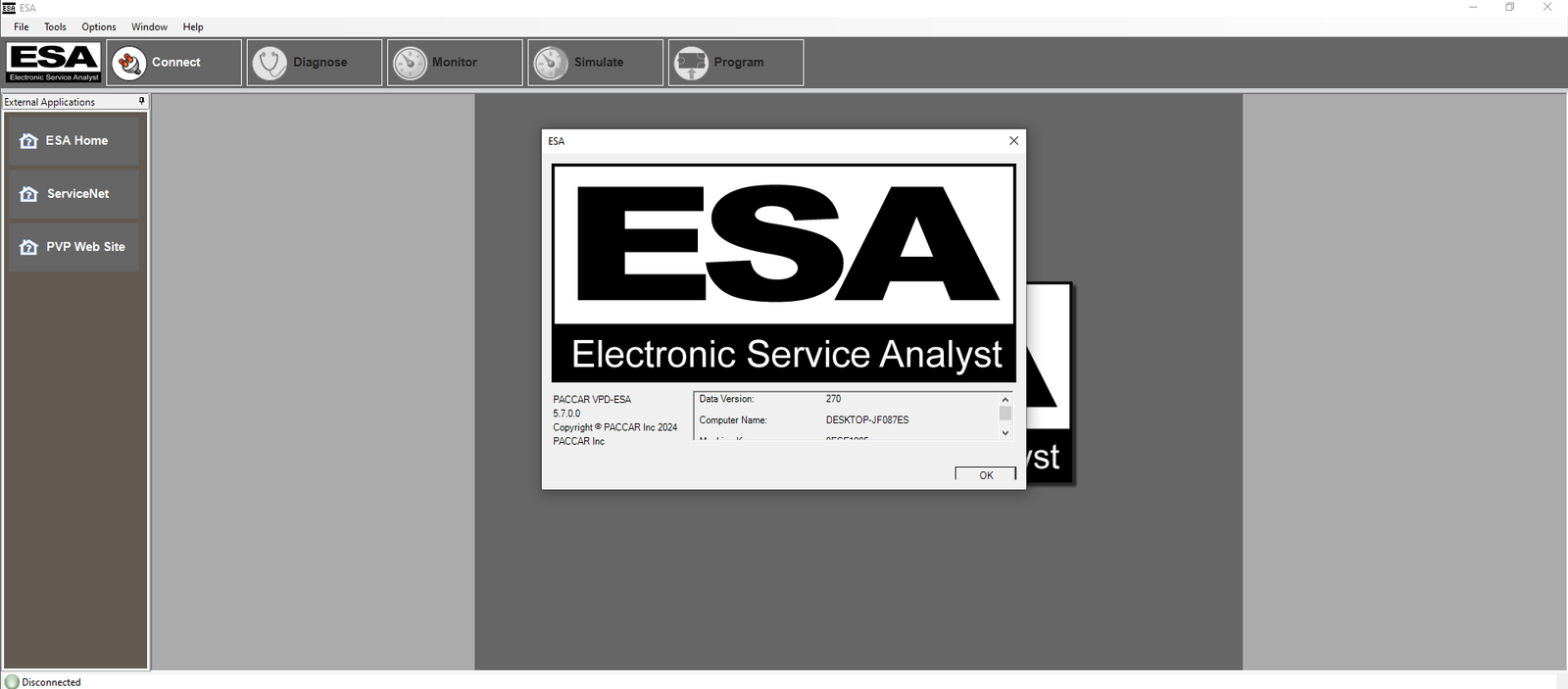
PACCAR Electronic Service Analyst ESA 5.7.0
PACCAR Electronic Service Analyst (ESA) 5.7.0 is a PC-based diagnostic application designed for servicing supported electronic systems used on PACCAR, Kenworth, and Peterbilt vehicles.
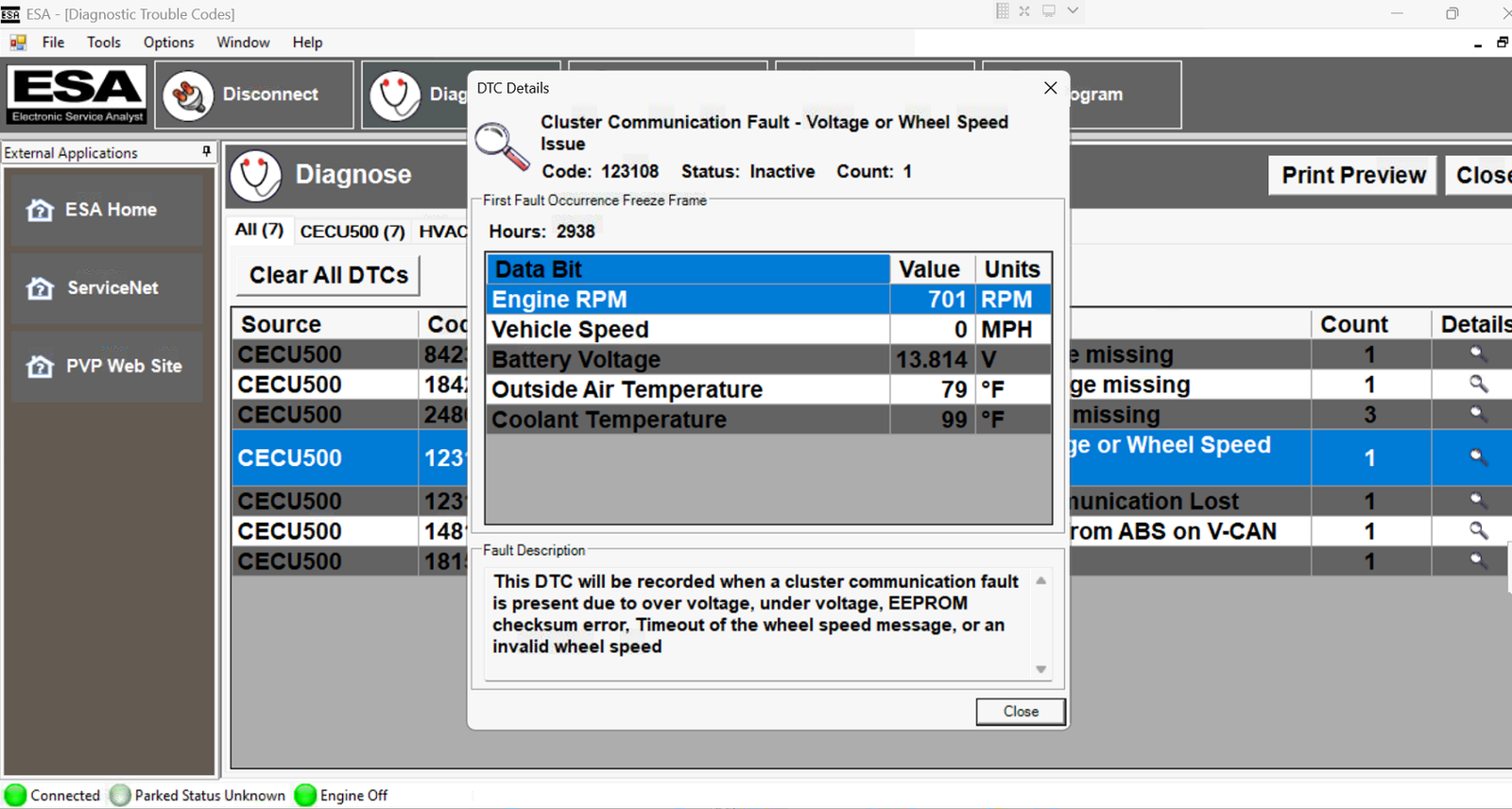
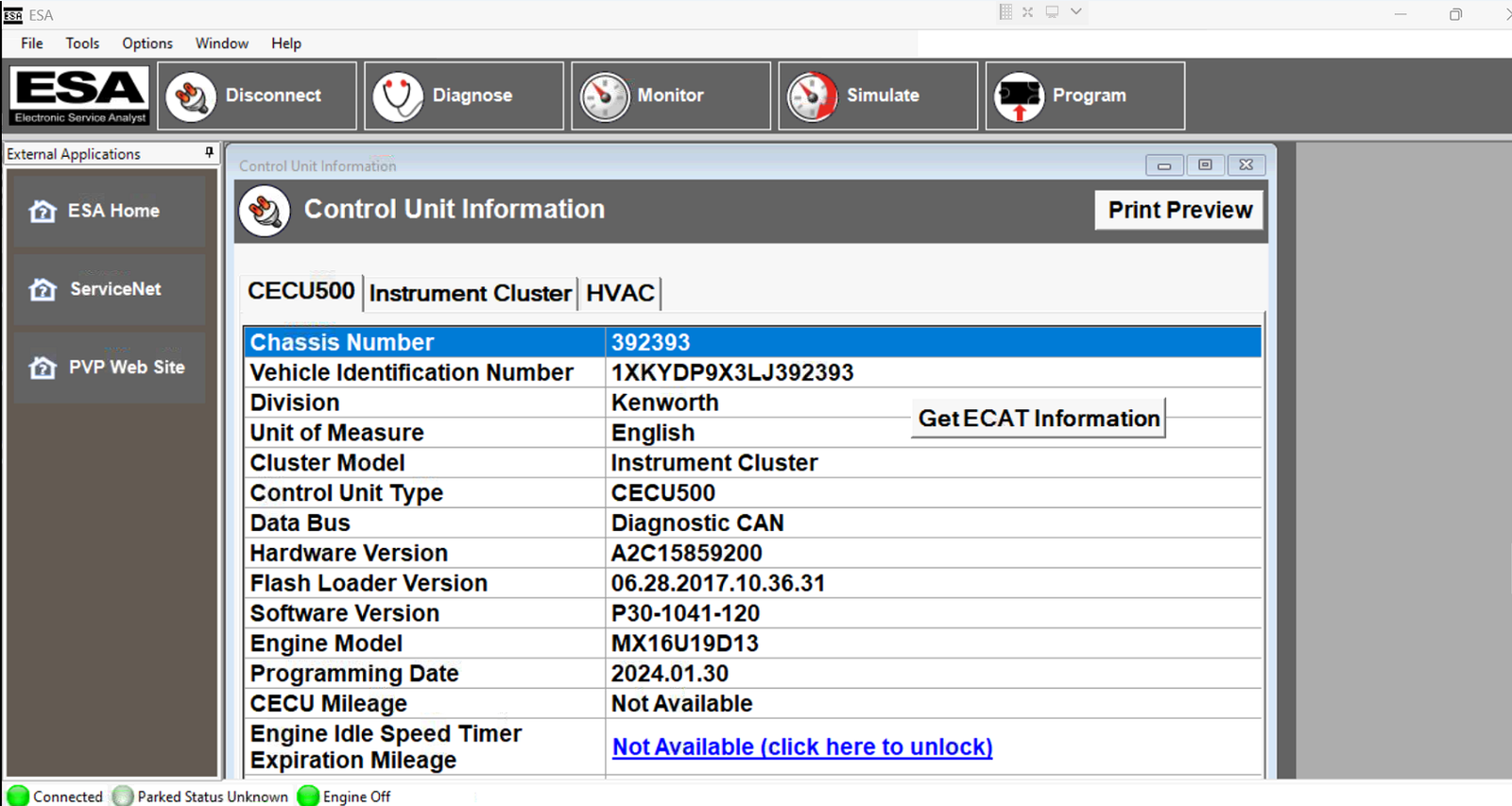
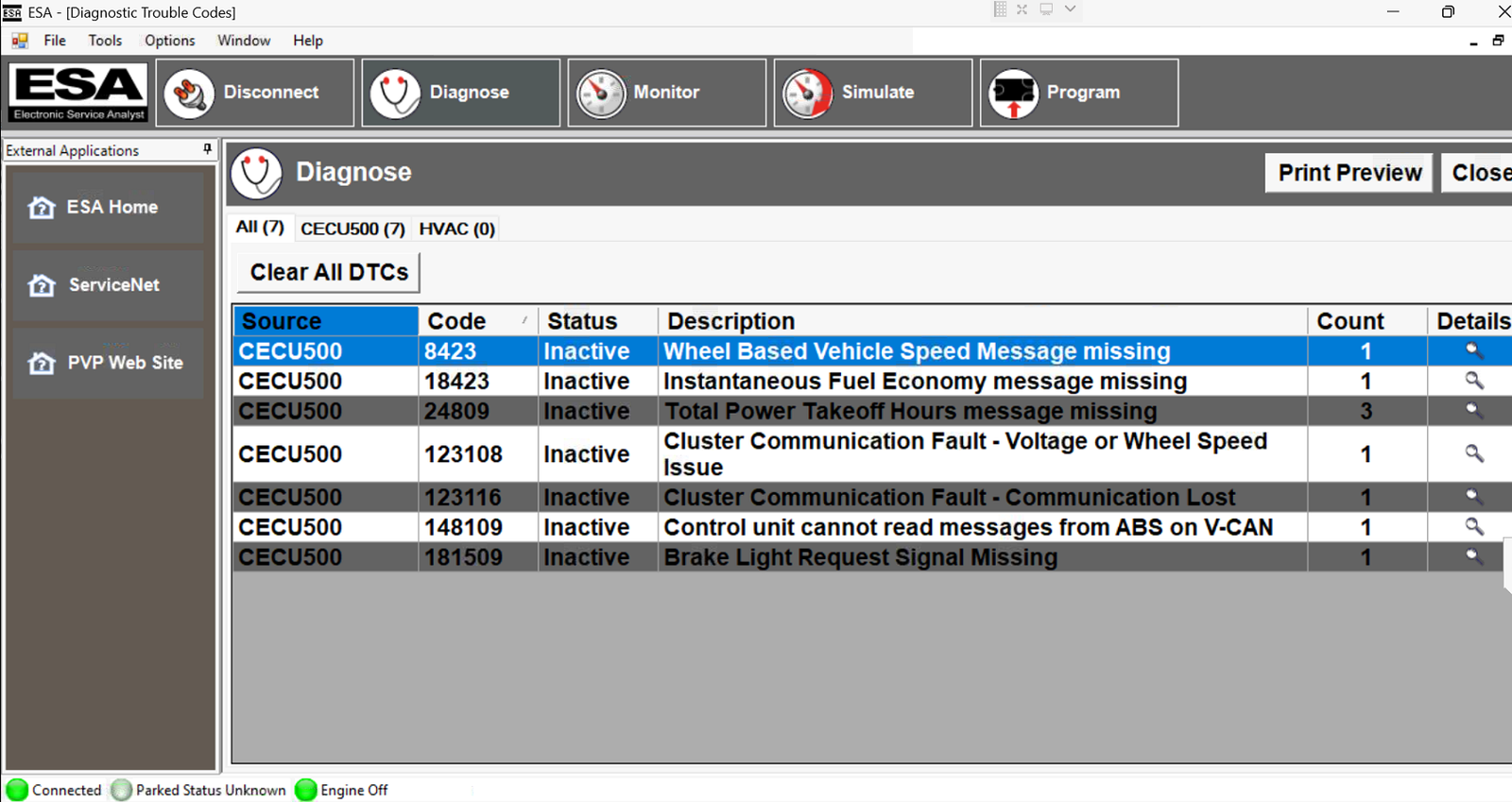
ESA communicates with vehicle electronic controllers through a compatible Data Link Adapter and provides technicians with the tools required to diagnose electrical and electronic problems, read diagnostic information, configure vehicle parameters, and perform supported controller programming procedures.
🔧 Main Functions
- Read and diagnose vehicle fault codes
- Clear supported diagnostic trouble codes
- Communicate with NAMUX electronic components
- View electronic controller information
- Diagnose electronic instrumentation systems
- Configure and program supported vehicle parameters
- Perform supported controller/module flashing
- Assist with electronic system troubleshooting
- Verify controller and component operation
- Exchange diagnostic information between the PC and vehicle controllers
🚛 Supported Vehicle Systems
PACCAR ESA can be used to support various electronic systems found on compatible Kenworth and Peterbilt vehicles, including:
- Instrument Cluster
- Chassis Node
- Cab Electronic Control Unit (CECU)
- HVAC Electronic Systems
- PACCAR Display
- Vehicle Electronic Controllers
- Supported NAMUX Components
💻 Diagnostic Interface Compatibility
PACCAR ESA requires a compatible vehicle communication adapter. Commonly used interfaces include:
- NEXIQ USB Link
- NEXIQ USB Link 2
- NEXIQ USB Link 3
- Compatible RP1210 Data Link Adapters
Important: Interface compatibility may vary depending on the vehicle, controller generation, adapter driver, and operating system.
🌐 Languages
- English
- French
- Spanish
🖥️ Recommended Operating System
- Windows 10 Pro 64-bit
- Windows 11 Pro 64-bit
📥 Digital Delivery
This is a digital software product. No physical DVD, CD, diagnostic adapter, or hardware will be shipped. Download and installation information is supplied electronically after purchase.
🛠️ Remote Installation Support
If required, our technician can assist with software installation and setup remotely. Remote support can be performed using:
- TeamViewer
- AnyDesk
- UltraViewer
KZMechanic Technical Support
Professional assistance is available for installation, configuration, diagnostic interface setup, and initial software operation.

![Paccar ESA 5.5 2023 Activation [ Paccar Calibration Files - update 2022 ]](https://kzmechanic.com/wp-content/uploads/2023/03/paccar-esa-5.5-300x300.jpg)
![Paccar ESA 5.6.0 2023 Activation [ Paccar Calibration Files - update 2023 ]](https://kzmechanic.com/wp-content/uploads/2023/12/paccar-esa-5.6-300x300.jpg)