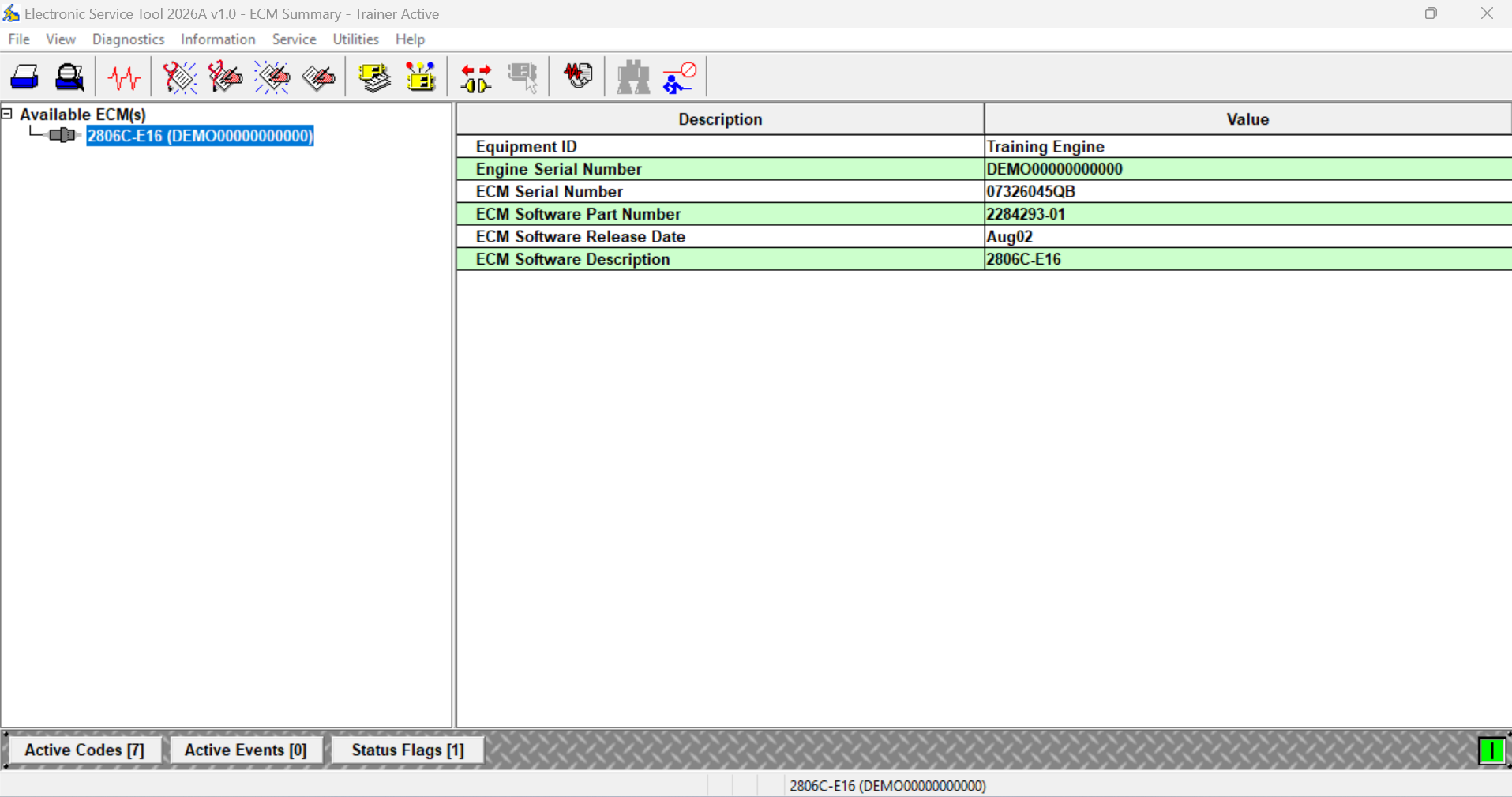
Description
Perkins Electronic Service Tool (EST) 2026A
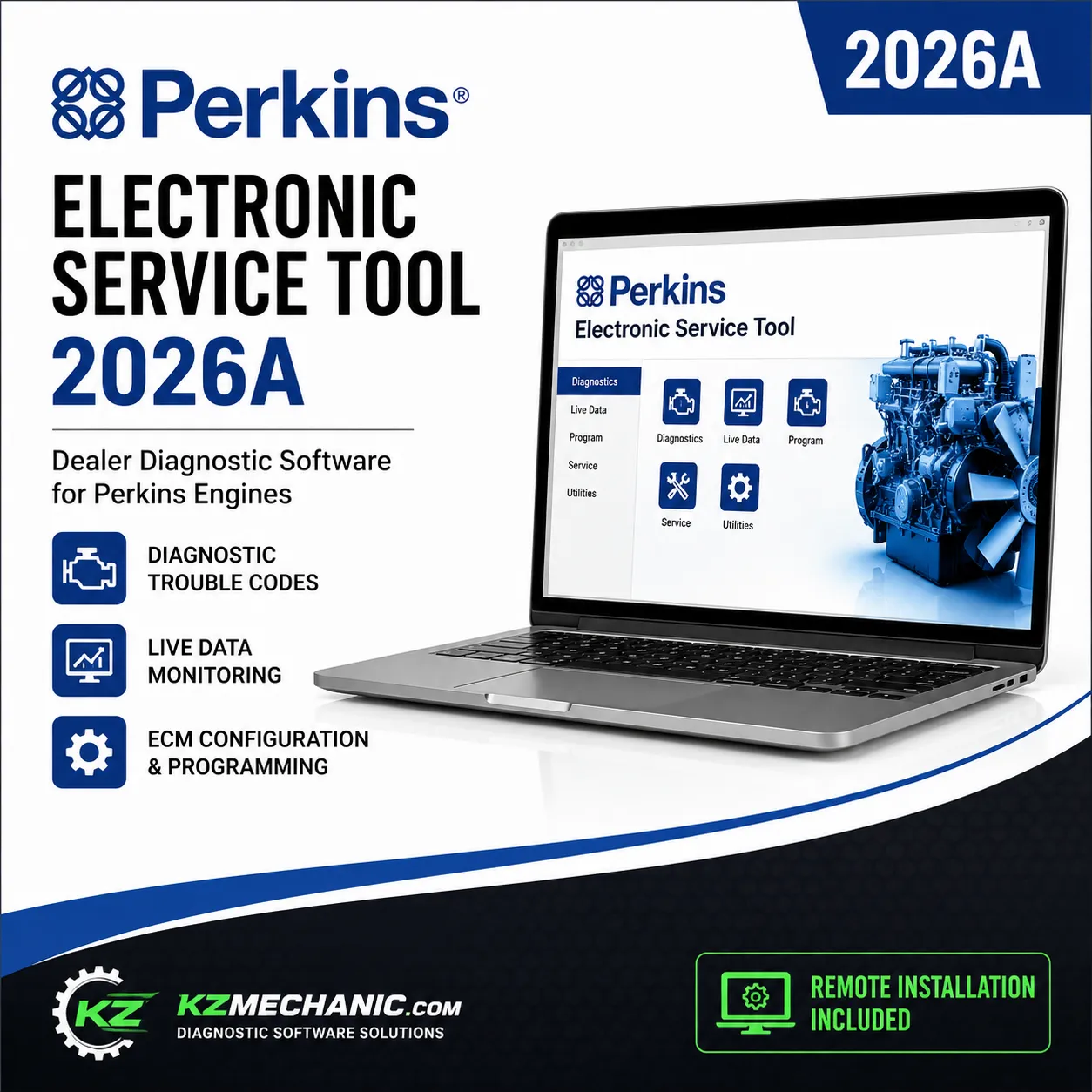
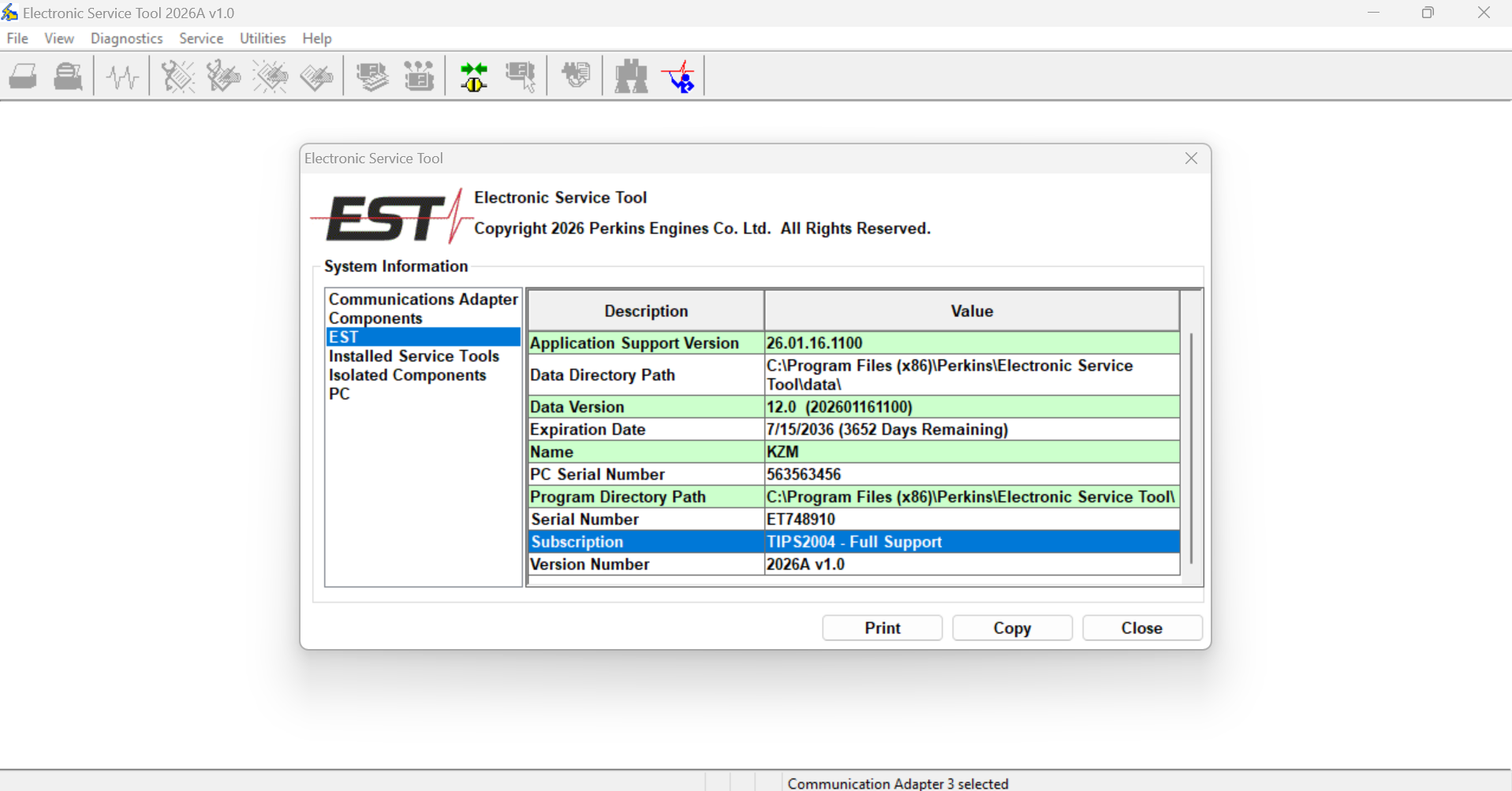
Perkins Electronic Service Tool (EST) 2026A is the official dealer diagnostic application designed for servicing Perkins electronic diesel engines used in construction equipment, agricultural machinery, generators, industrial machines, marine applications, and power systems.
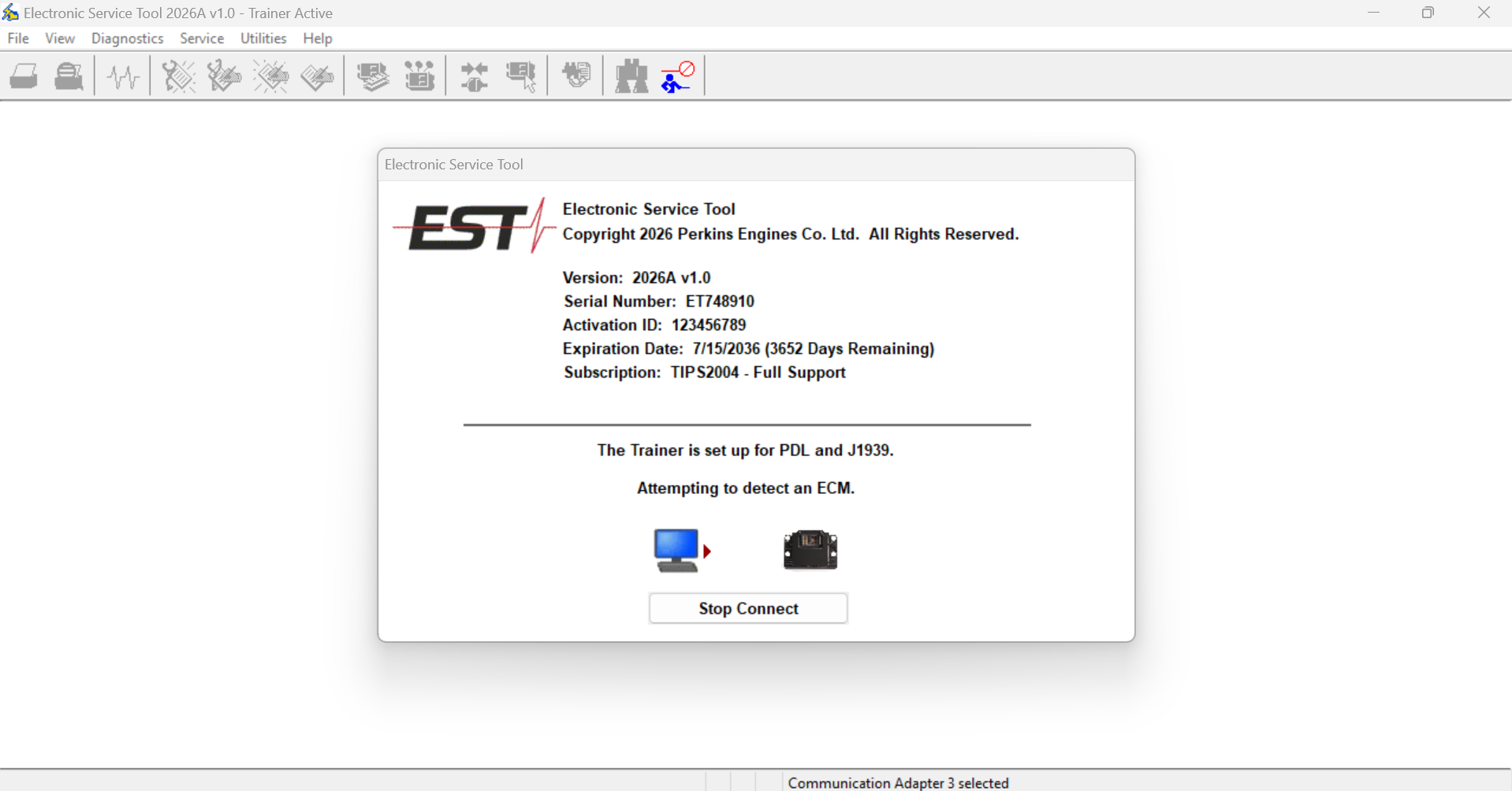
The software allows technicians to communicate directly with the Engine Control Module (ECM) to quickly diagnose engine problems, monitor live operating data, perform calibrations, configure system parameters, and troubleshoot electronic control systems.
Main Features
- Read and clear diagnostic trouble codes (DTCs)
- View live engine sensor data and operating parameters
- ECM identification and information
- Perform injector and component tests
- Cylinder cut-out tests
- ECM configuration and parameter programming
- Calibrations and service routines
- Monitor engine performance in real time
- Create and save diagnostic reports
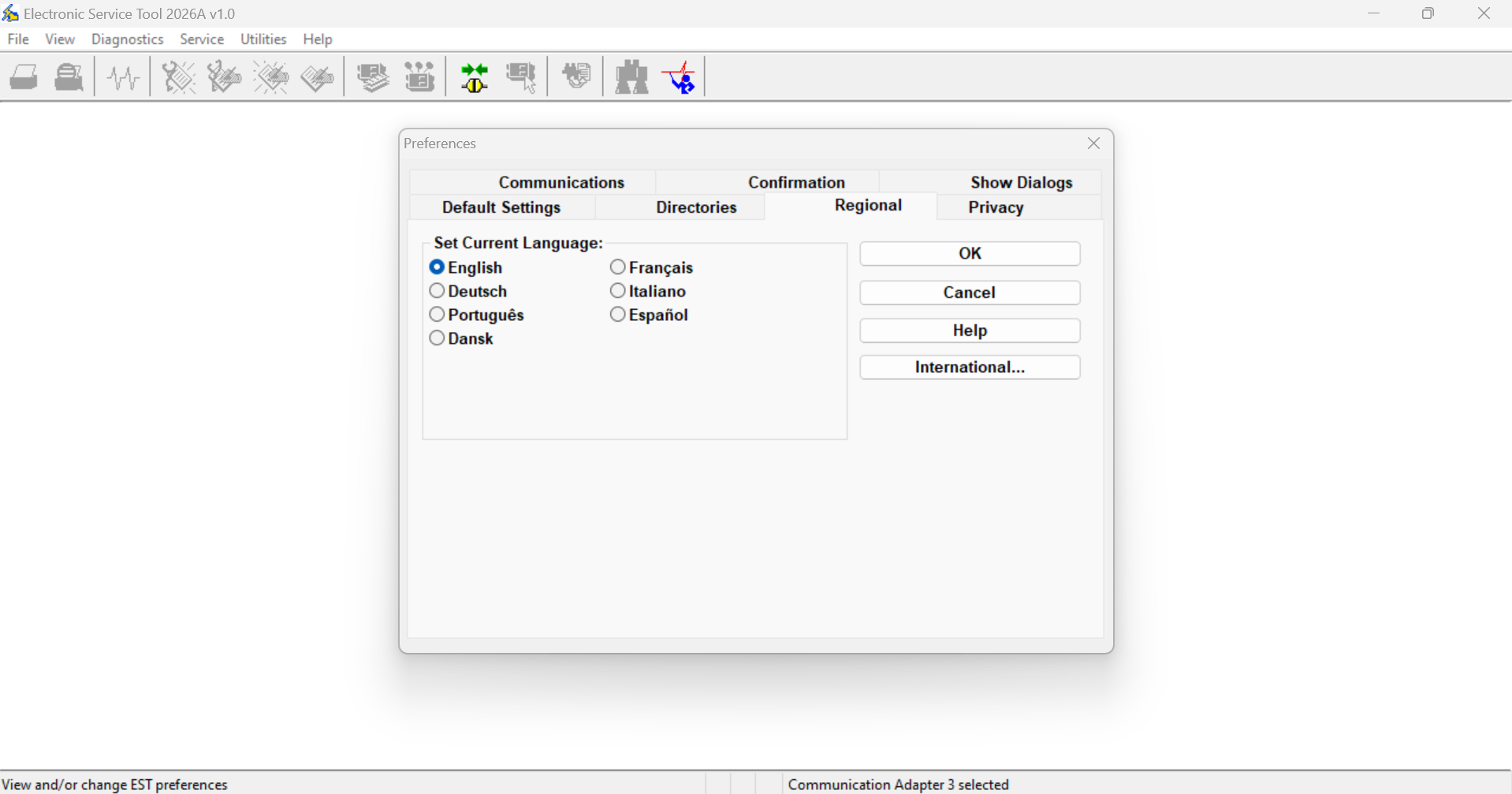
- Supports multiple communication adapters
- User-friendly dealer interface
Supported Applications
- Construction Equipment
- Agricultural Machinery
- Industrial Engines
- Generator Sets
- Marine Engines
- Power Generation Systems
Compatible Communication Adapters
- Perkins Communication Adapter
- NEXIQ USB-Link Series
- Dearborn DPA5
- RP1210 Compatible Adapters
Remote Installation Included
Our technicians will remotely install, configure, activate, and verify the software on your computer. No complicated setup is required.
Package Includes
- Perkins Electronic Service Tool (EST) 2026A
- Latest Database
- Remote Installation
- Professional Activation
- Lifetime Installation Support
Why Buy From KZMechanic?
- 100% Working Software
- Professional Remote Installation
- Fast Delivery
- Expert Technical Support
- Trusted by Workshops Worldwide
FREE REMOTE INSTALLATION & ACTIVATION
After purchase, our technician will remotely install and activate Perkins EST 2026A on your computer.
Please install one of the following remote support applications before your scheduled installation:
- AnyDesk
- TeamViewer
- RustDesk
Simply provide the connection ID and password during your appointment, and we’ll complete the installation for you.

![Caterpillar Flash Files DVD [ 2021.05 ]](https://kzmechanic.com/wp-content/uploads/2021/07/cat-flash-files-2021-300x300.jpg)