Description
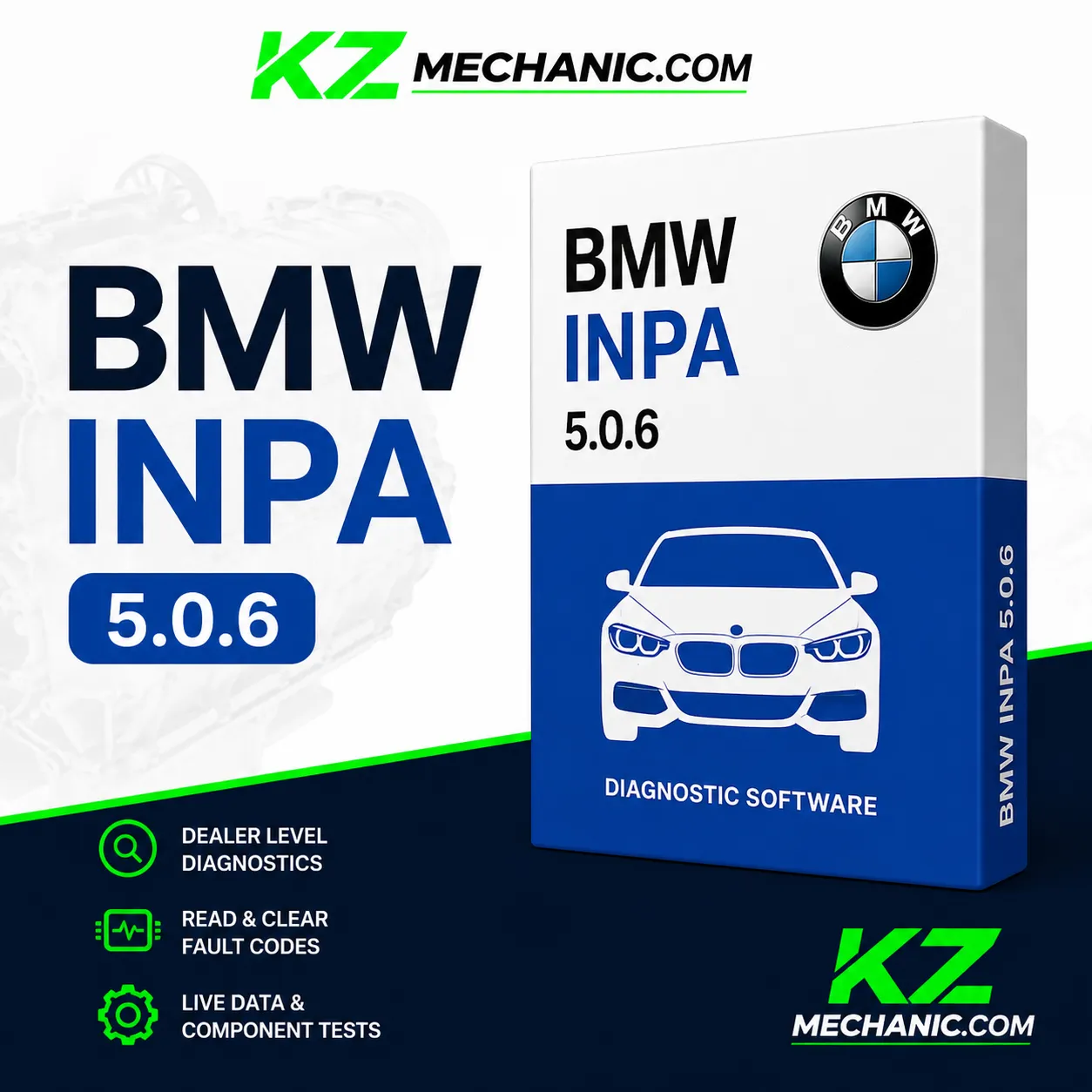
BMW INPA 5.0 Professional Diagnostic Software
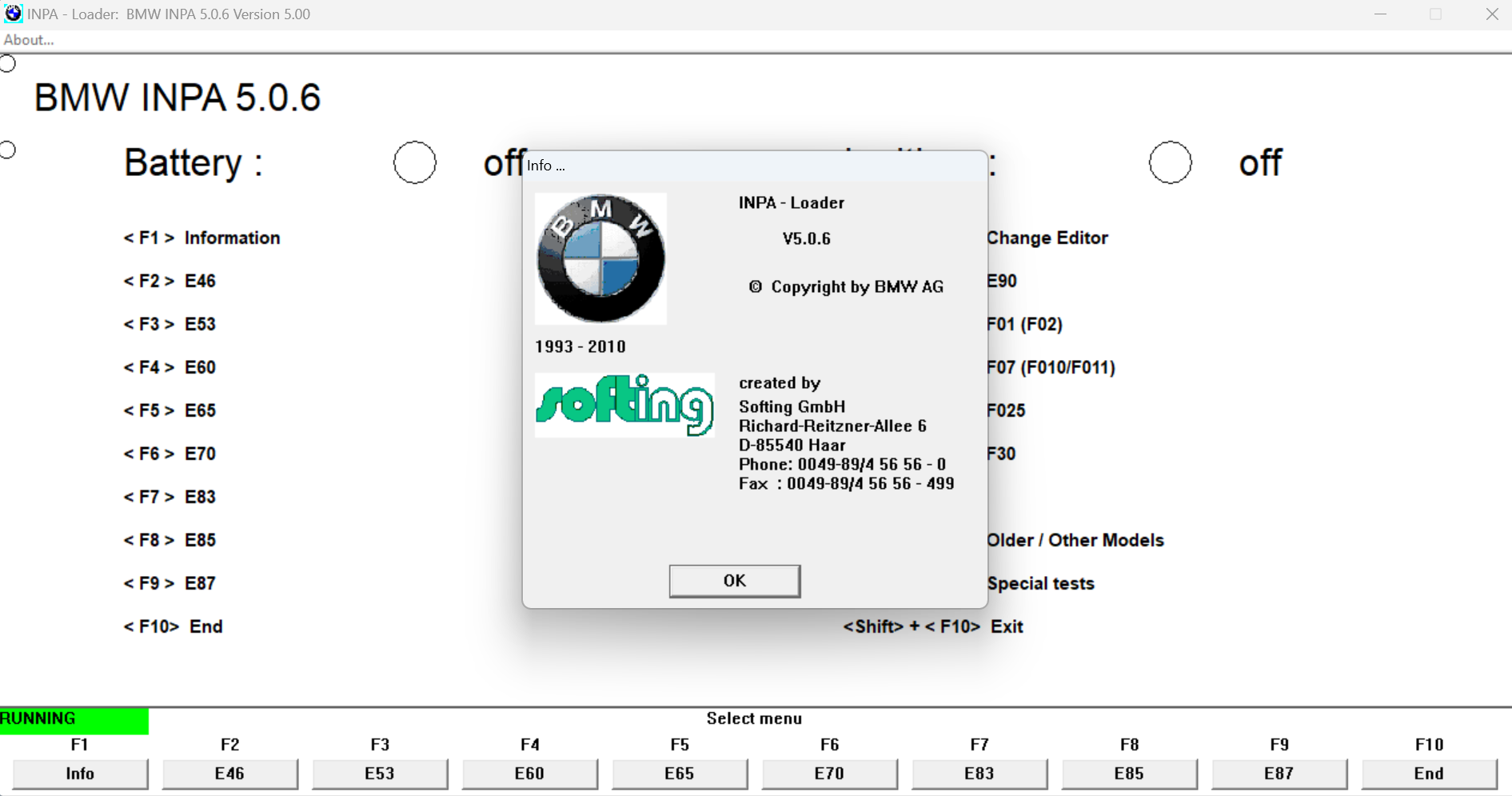
BMW INPA 5.0.6 is part of the BMW Standard Tools package developed for dealer-level diagnostics and vehicle communication. It provides direct access to electronic control modules installed in BMW and MINI vehicles, allowing technicians to perform accurate troubleshooting and maintenance.
This software is widely used by independent repair shops, automotive technicians, enthusiasts, and BMW specialists for advanced diagnostics that go far beyond generic OBD-II scanners.
| Software Name | BMW INPA |
|---|---|
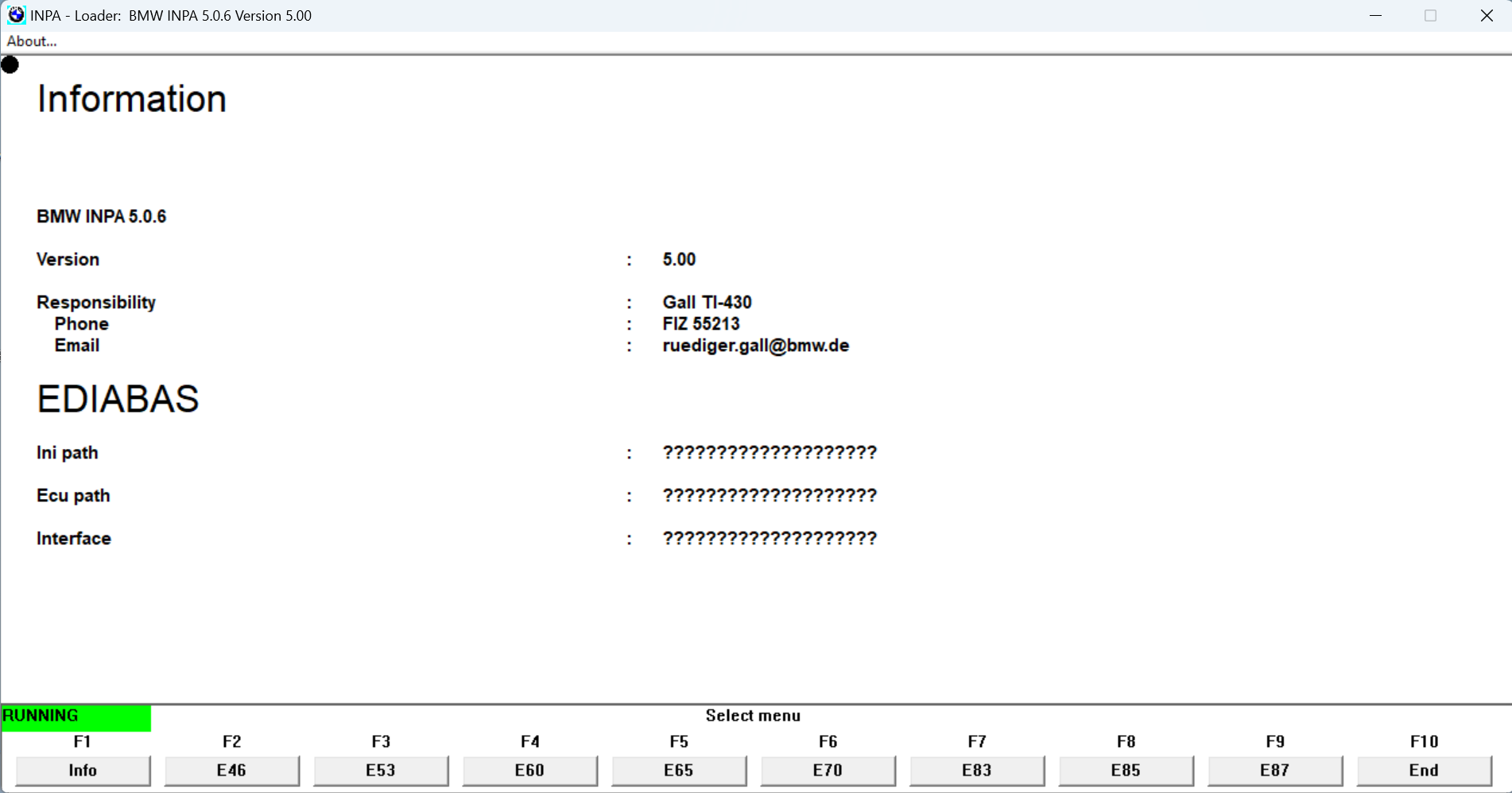
| Version | 5.0 |
| Developer | BMW AG / Softing GmbH |
| Software Type | OEM Dealer Diagnostic Software |
| Supported Vehicles | BMW & MINI |
| Model Years | Approximately 1993–2010 |
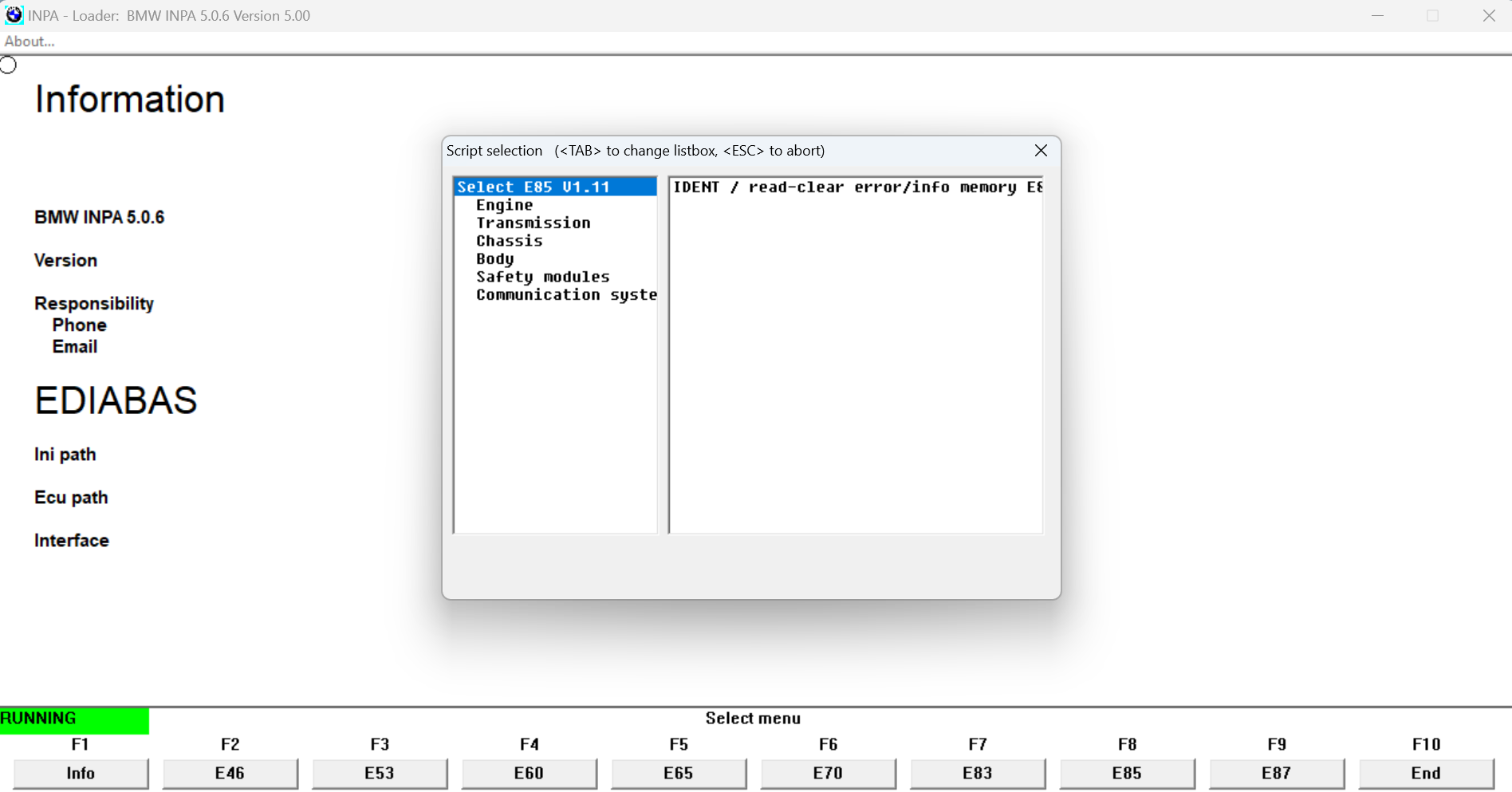
| Functions | Diagnostics, Live Data, ECU Information, Component Activation, Fault Code Reading/Clearing |
| Interface Support | K+DCAN, ICOM, ADS |
| Operating System | Windows 7, Windows 10, Windows 11 (64-bit Supported) |
| Installation | Remote Installation Available |
| License | Digital Download |
Main Features
- Read and clear Diagnostic Trouble Codes (DTCs)
- Real-time Live Data Monitoring
- ECU Identification
- Component Activation Tests
- Sensor Monitoring
- Engine Diagnostics
- Transmission Diagnostics
- ABS Diagnostics
- Airbag (SRS) Diagnostics
- Climate Control Diagnostics
- Body Electronics Diagnostics
- Service Functions
- Battery Registration Support
- Vehicle Information
- Error Memory Management
Supported Vehicles
Supports a wide range of BMW and MINI vehicles approximately from 1993 to 2010. Many later models can also be diagnosed when used together with BMW Standard Tools and compatible interfaces.
Compatible Diagnostic Interfaces
- BMW K+DCAN USB Cable
- BMW ICOM A2
- BMW ICOM NEXT
- BMW ADS Interface (older models)
Applications Included
- BMW INPA
- EDIABAS Communication System
- NCS Expert
- WinKFP
- Tool32
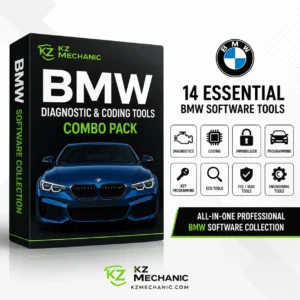
- BMW Standard Tools
Ideal For
- Professional Workshops
- Automotive Technicians
- BMW Specialists
- DIY BMW Owners
- Vehicle Diagnostics
- ECU Troubleshooting
Remote installation service is available from KZMechanic.com if required.
Reviews
There are no reviews yet.