Description
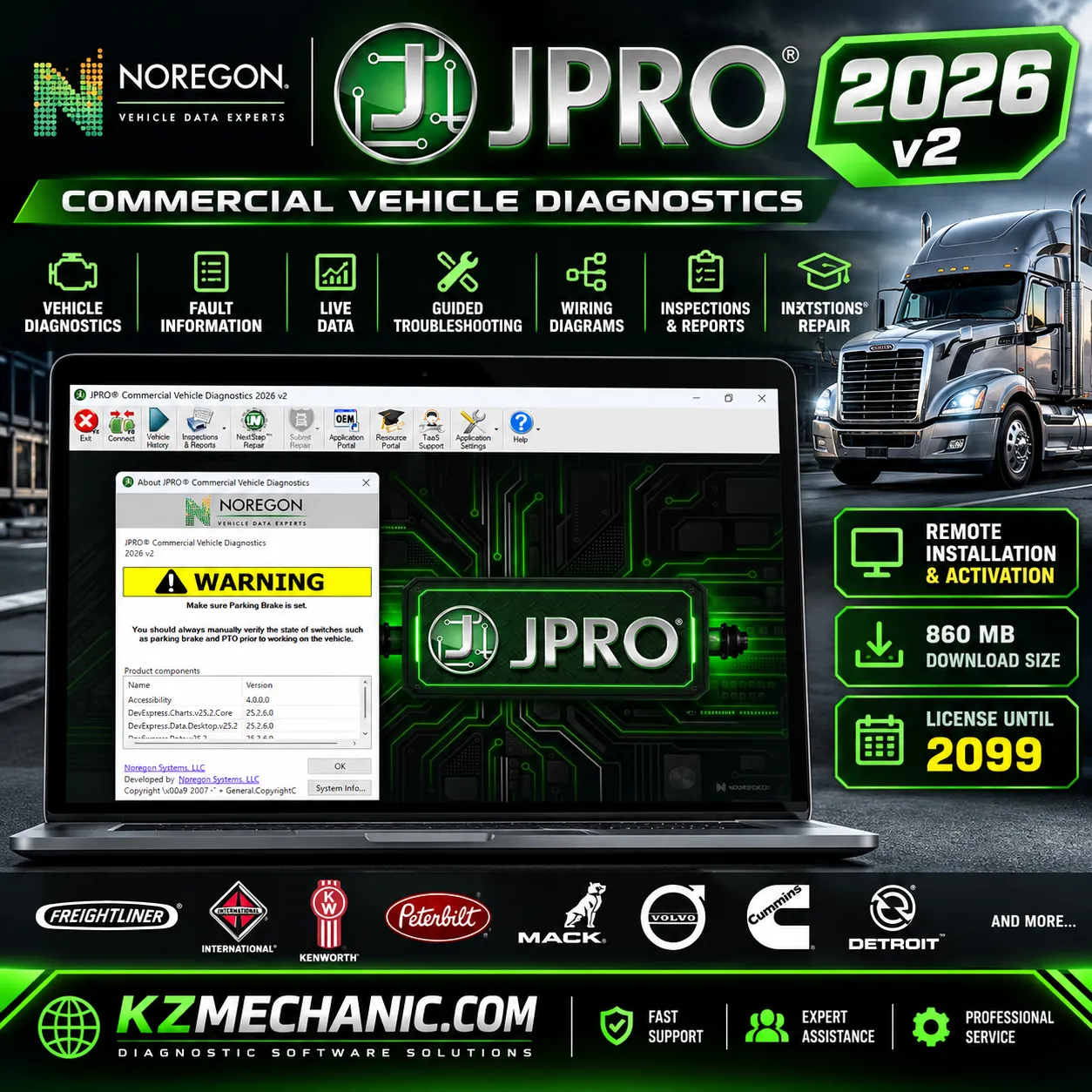
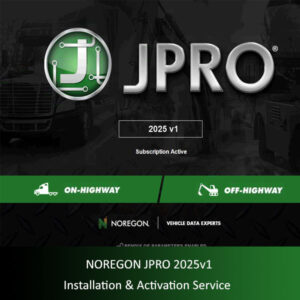
Noregon JPRO Commercial Vehicle Diagnostics 2026 v2
Advanced heavy-duty truck and commercial vehicle diagnostic
software with professional remote installation and activation
assistance from KZMechanic.com.
✓ Remote Installation Assistance
✓ Activation Service Included
✓ 860 MB Installation Package
✓ License Expiration: 2099 (Seller-Provided)
JPRO 2026 v2 – Professional Diagnostic Software
Noregon JPRO Commercial Vehicle Diagnostics 2026 v2
is a professional diagnostic application developed for
technicians working with heavy-duty trucks, medium-duty
commercial vehicles, fleet equipment and supported
off-highway machinery.
JPRO combines vehicle fault detection, electronic control
module information, live diagnostic parameters, guided
troubleshooting and supported service commands in one
application. Its multi-system diagnostic approach helps
workshops investigate faults across different vehicle
systems without constantly switching between separate
diagnostic applications.
This KZMechanic listing includes assistance with software
installation and activation through a remote support
session. The supplied installation package is approximately
860 MB.
What’s New in JPRO 2026 v2?
The September 2026 v2 release introduces additional
diagnostic capabilities and expanded coverage for
supported commercial vehicles.
- Mack and Volvo:
Improved support for newer vehicle models. - Cummins X15:
Additional engine diagnostic tests and support. - Mercedes-Benz Sprinter:
New supported bi-directional tests and commands. - DPF Regeneration Reporting:
Updated reporting functionality for supported
regeneration operations.
Feature availability depends on vehicle model, electronic
control module, diagnostic adapter and software entitlement.
Main Diagnostic Features
1. Multi-System Vehicle Diagnostics
Connect to supported vehicle electronic systems to
identify faults and review diagnostic information
across available control modules.
- Read active and stored diagnostic trouble codes.
- Review fault descriptions and related information.
- Identify available vehicle control modules.
- View electronic system and vehicle information.
- Clear supported fault codes after completing repairs.
- Generate diagnostic information for workshop records.
2. Live Data Monitoring
View real-time information from supported vehicle
systems to help technicians investigate operating
conditions and intermittent problems.
- Engine operating parameters.
- Available sensor readings.
- Temperatures and pressures.
- Electrical and control system parameters.
- Supported aftertreatment system information.
- Live data monitoring during troubleshooting.
3. Bi-Directional Tests and Service Commands
JPRO provides supported commands and tests that allow
technicians to investigate system operation and
isolate potential component problems.
- DPF regeneration procedures.
- Cylinder cutout tests.
- Component activation and output tests.
- Wiggle tests for supported systems.
- Selected service and calibration procedures.
- Vehicle-specific diagnostic commands.
Not every test is available on every vehicle.
Certain commands require specific control modules,
compatible hardware, safe operating conditions
or additional permissions.
Guided Troubleshooting and Repair Information
JPRO is designed to assist technicians with more
than basic fault-code reading. Supported diagnostic
workflows may provide additional information to
help locate the cause of a vehicle problem.
- Enhanced diagnostic fault descriptions.
- Fault Guidance troubleshooting information.
- Supported wiring diagrams.
- Component location information.
- Diagnostic troubleshooting procedures.
- Vehicle inspection and reporting tools.
- Access to supported repair resources.
Some advanced repair information, OEM resources,
NextStep Repair content or external portals may
require additional subscriptions or entitlements
and are not automatically included in this service.
Supported Vehicle Categories
JPRO is designed primarily for North American
commercial vehicle diagnostic applications and
supports a broad range of on-highway vehicles,
with selected off-highway equipment coverage.
| Vehicle Category | Typical Applications |
|---|---|
| Heavy-Duty Trucks | Class 7–8 commercial trucks |
| Medium-Duty Trucks | Supported Class 3–6 commercial vehicles |
| Commercial Fleets | Supported fleet service and maintenance vehicles |
| Off-Highway Equipment | Selected construction and industrial equipment |
Commonly Supported Manufacturers and Systems
Depending on the vehicle year, model, installed
modules and software coverage, JPRO supports
diagnostic applications involving manufacturers
and systems such as:
- Freightliner and Western Star
- International / Navistar
- Kenworth and Peterbilt
- Mack and Volvo Trucks
- Cummins engines
- Detroit engines
- Selected PACCAR and other commercial vehicle systems
- Selected medium-duty and off-highway equipment
This list represents general JPRO application coverage,
not a guarantee that every model or function is supported.
Please confirm the exact vehicle and diagnostic operation
before purchasing.
Computer System Requirements
| Operating System | Windows 10 / Windows 11, 64-bit |
|---|---|
| Minimum Processor | Intel Core i3 |
| Recommended Processor | Intel Core i5 |
| Minimum RAM | 4 GB |
| Recommended RAM | 8 GB |
| Free Disk Space | 20 GB |
| Minimum Display | 1024 × 768 |
| Installation Package | 860 MB (KZMechanic-supplied package) |
| Vehicle Connection | Compatible Noregon DLA+ diagnostic adapter and appropriate cable |
Compatible Diagnostic Interfaces
Noregon lists the following supported diagnostic
adapter families for JPRO:
- Noregon DLA+ 3.0 Wired
- Noregon DLA+ 3.0 Wireless
- Noregon DLA+ 3.0 XBT
- Noregon DLA+ 2.0 Wired
- Noregon DLA+ 2.0 Wireless
- Noregon Trailer Diagnostic Adapter
A suitable vehicle communication adapter and
compatible cable are required for actual vehicle
diagnostics. The software installation service
does not include physical diagnostic hardware.
Newer vehicles using DoIP communication may
require the appropriate DLA+ 3.0 hardware and
cables for full functionality.
KZMechanic Remote Installation & Activation
KZMechanic provides remote installation
assistance for customers who prefer
professional setup of their diagnostic software.
Installation Service Includes
- Remote computer connection assistance.
- Installation of the supplied JPRO 2026 v2 package.
- Assistance with the applicable activation process.
- Basic application startup verification.
- Initial configuration assistance where applicable.
- Guidance on supported diagnostic hardware requirements.
What You Need
- A compatible Windows laptop or desktop computer.
- A stable internet connection for remote assistance.
- Permission to install software on the computer.
- Valid software activation credentials and entitlement.
- A compatible diagnostic interface for vehicle testing.
Remote installation is arranged with the customer.
Diagnostic hardware, OEM subscriptions and separate
third-party licenses are not included unless
specifically agreed.
Software Activation and License Information
Seller-stated license expiration:
Year 2099.
The expiration year above has been supplied by
KZMechanic and is not independently verified as
an official Noregon licensing term. Official
JPRO software requires a valid active subscription
and activation key.
The specific license entitlement, permitted device
count, update eligibility and activation conditions
should be confirmed with the seller before purchase.
Installation assistance does not override the
software manufacturer’s licensing requirements.
Who Should Use JPRO 2026 v2?
- Professional heavy-duty truck mechanics.
- Commercial vehicle repair workshops.
- Fleet maintenance and service departments.
- Diesel engine diagnostic technicians.
- Independent truck repair specialists.
- Supported off-highway equipment service technicians.
Important Information Before Ordering
- This product is offered as a software installation
and activation assistance service. - No physical diagnostic adapter or computer is included.
- Diagnostic coverage varies by vehicle and system.
- An authorized, valid JPRO license is required.
- Certain advanced functions and external resources
may require additional entitlements. - Confirm your Windows system, diagnostic hardware
and license requirements before purchasing.
Professional Diagnostic Software Support
Need assistance with installation or checking
your computer requirements?
KZMechanic.com – Remote Diagnostic Software Services

Reviews
There are no reviews yet.