Description
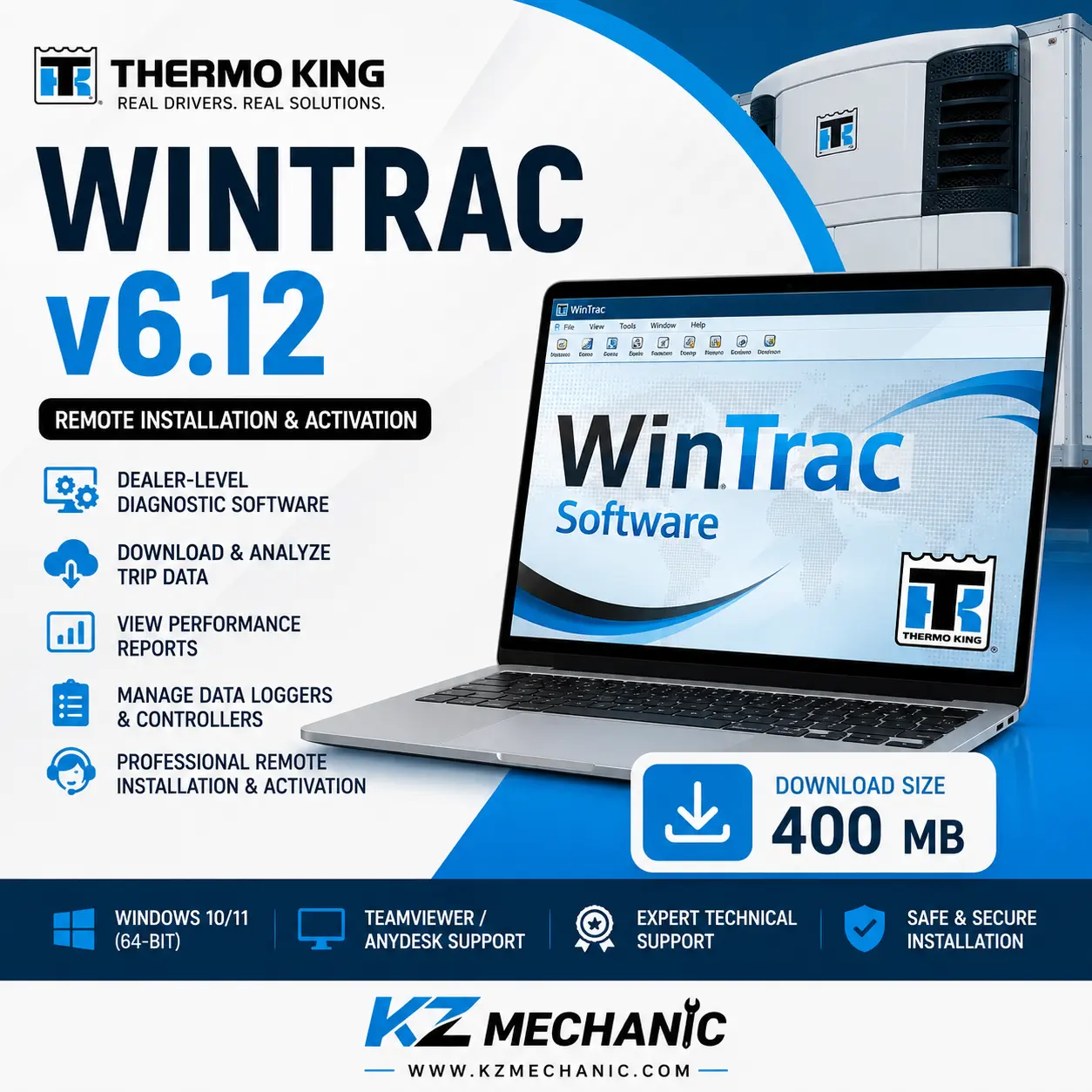
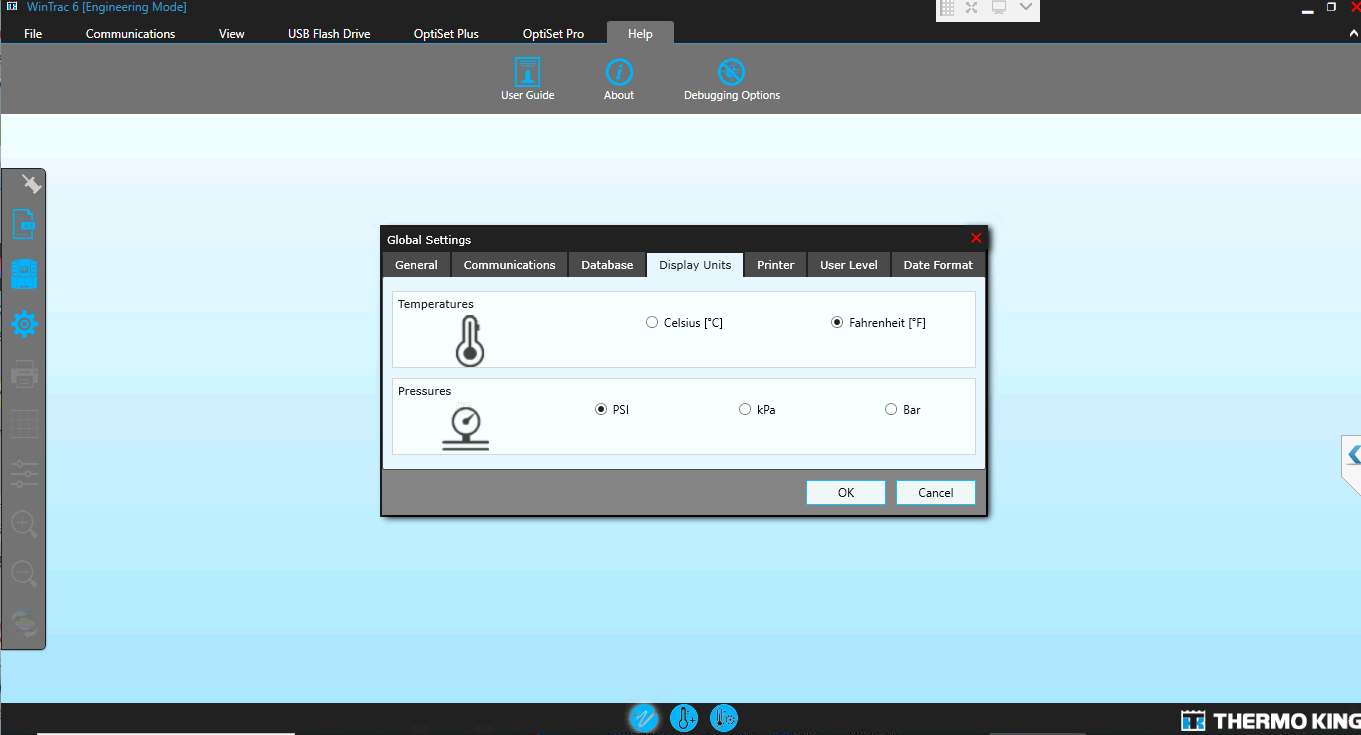
Thermo King WinTrac v6.12 Remote Installation & Activation
Thermo King WinTrac v6.12 is the professional software solution designed for configuring, monitoring, and managing Thermo King transport refrigeration systems and data loggers. This package includes complete remote installation and activation performed by our experienced technicians, allowing you to start using the software quickly without complicated setup procedures.
Using secure remote support through TeamViewer or AnyDesk, our technician will install, configure, activate, and verify that the software is operating correctly on your computer.
Package Includes
- Thermo King WinTrac v6.12 Software
- Professional Remote Installation
- Complete Software Activation
- Configuration & Verification
- Installation Assistance
- Technical Support During Installation
Main Features
- Dealer-level Thermo King diagnostic software
- Read and manage refrigeration unit information
- Download and analyze trip data
- Manage data logger files
- Retrieve operating history
- View graphical performance reports
- Monitor refrigeration system parameters
- Configure supported data loggers
- Import and export trip files
- Fast report generation
- Simple and user-friendly interface
- Multi-language support
Supported Thermo King Systems
- DAS
- DAS-IV
- DMS
- DRS
- AccuTrac
- TranScan
- CargoWatch
- ServiceWatch
- MPIV
- MPV
- MPVI
- MPCR
- MPD
- MPA / MPA+
- VPRS / DSR
- TTMT
- TSD
- SR-2 / SR-3 Controllers
- Multi-Temperature Controllers
Software Information
| Software | Thermo King WinTrac |
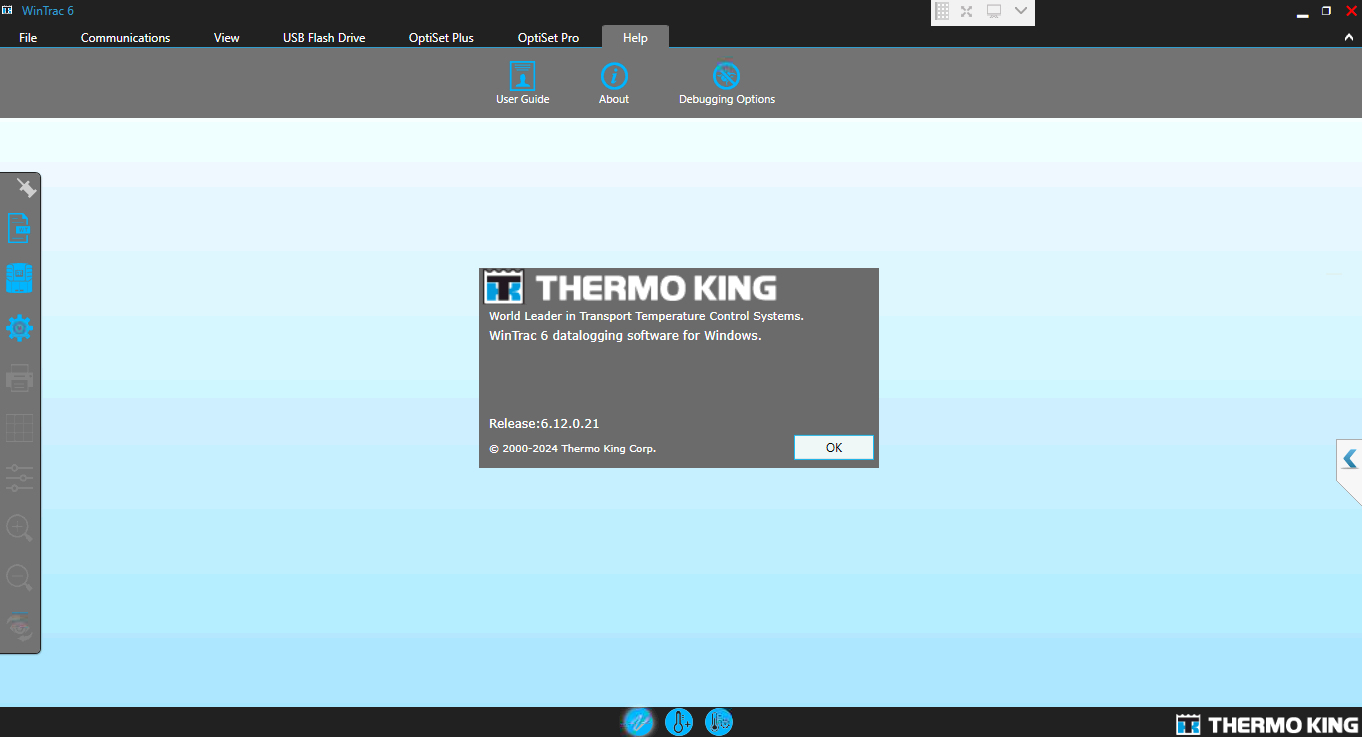
| Version | v6.12 |
| Installation Method | Remote Installation |
| Activation | Included |
| Download Size | 400 MB |
| Operating System | Windows 10 & Windows 11 (64-bit) |
| Language | English + Multi-language |
| License | Activated During Installation |
Remote Installation Process
- Purchase the software.
- Download the installation package.
- Schedule a remote support session.
- Connect using TeamViewer or AnyDesk.
- Our technician installs and activates the software.
- Software is tested to ensure everything works correctly.
System Requirements
- Windows 10 or Windows 11 (64-bit)
- Minimum 8 GB RAM
- 10 GB Free Disk Space
- Administrator Rights
- Stable Internet Connection
- TeamViewer or AnyDesk Installed
Why Buy From KZ Mechanic?
- Professional Remote Installation
- Fast Delivery
- Expert Technical Support
- Secure Activation
- Installation Verification
- Experienced Diagnostic Software Specialists
Note: This product includes remote installation and activation service. Diagnostic communication hardware or interface cables are not included unless stated in the product package.


Reviews
There are no reviews yet.